
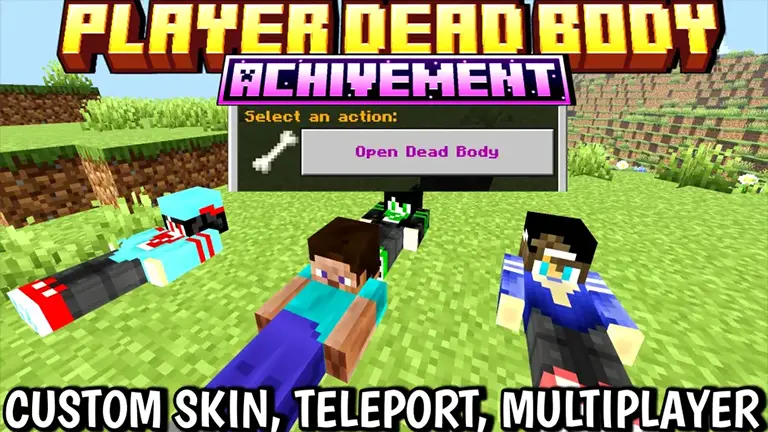
Showcase & Custom Skin Tutorial Video
Free To Use — Credit Appreciated
- Hit your body, and a simple UI menu opens — tap “Grave Open” and all your items drop back instantly.
- You’ll receive your death coordinates as feedback, making it easy to find your body.
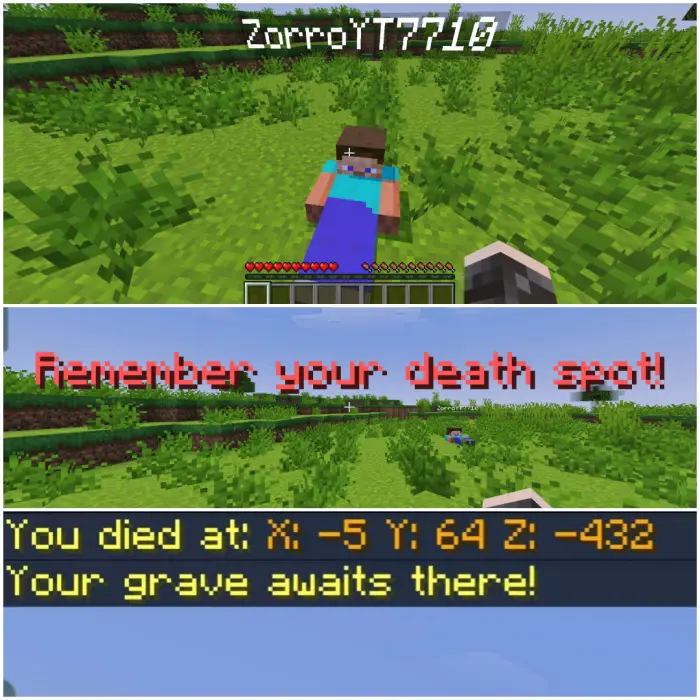
Custom Skin Support
Custom skin guide
You can even make your dead body look like you! Just follow these steps:
- Remove the ".mcaddon" extension or rename the file to ".zip" and extract it.
- Open the extracted folder and navigate to:
rp > textures > entity > custombody. - Delete the original skin files inside
custombody, then paste your custom skins into that folder. - Rename your custom skin files to match the previous naming scheme (for example:
1.png,2.png…8.png).