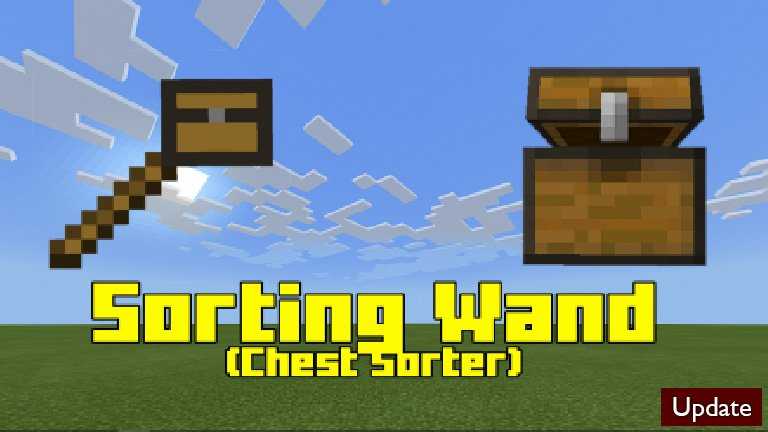
Just gone back from your exploration and you want to sort your inventory? or during exploration you have many duplicate item that you want to stack and sort? with this addon you can easily do all that with a single click!
Introducing the inventory sorter item!
This item once crafted can sort your inventory with one use. This item doesn’t have any durability so you only need to craft it once.
Crafting Recipe:
To use the Player Inventory Sorter Item. Hold the item in your hand then use it.
When you use it will say Inventory Sorted! and sorted your items alphabeticaly.
Inventory Before Use:
Inventory After Use:
Sorting will not affect your hotbar only your inventory.
This addon uses Gametest and it might not work with Consoles.
Future Plans:
A Button inside the player’s inventory to sort the items (If Minecraft will add UI and Gametest to work together)
Installation
Turn on Experimental Mode inside your world.
How Is It Installed?
Download the file from the bottom. After you have downloaded files, tap on each one and it will automatically take you to your Minecraft, it will import the file into your game.
Then go to the world where you are going to use the downloaded addon: Edit the world> resource packs> (Activate the resource pack) and finally: Edit the world> behavior packs> (Activate the behavior pack)
Are your chests messy and never bothered to organize them because it is too much of a task? Are you looking for an easy way to organize your items? This addon is just for you!
With the new item called the Sorting Wand you can organize your chest easily! With 1 click/tap of this wand your chest will turn from this
to this!
It is easy to craft the wand.
Sorting Wand:
How To Use:
Shift/Crouch while holding the Sorting Wand and right click/tap on a chest.
Does not work with consoles, but you can join other worlds on other devices that have this addon.
How Is It Installed?
Download the file from the bottom. After you have downloaded files, tap on each one and it will automatically take you to your Minecraft, it will import the file into your game.
Then go to the world where you are going to use the downloaded addon: Edit the world> resource packs> (Activate the resource pack) and finally: Edit the world> behavior packs> (Activate the behavior pack)
Update Changelog
Warning texts moved to actionbar instead of appearing in the chat box.
updated some code
Sorting wand now appears in the creative inventory
Do you want to upgrade your Donkey or Llama so you can carry more items while exploring? This addon is just for you! With the 2 new items you can expand their inventory and store more items.
To expand your Donkey’s and Llama’s inventory first you need to have the upgrades and your Donkey or Llama chested. Crafting the upgrade is easy!
Iron Chest Upgrade:
Diamond Chest Upgrade:
To chest the Donkey or Llama just sneak and click/tap on the donkey holding a chest to chest it, this is the vanilla way. Normally you can’t get this chest once it is chested, I have added a way for you to retrieve this chest and un-chest them.
To use this upgrades open your Donkey’s or Llama’s inventory. You will notice the UI has changed this is because I have customized the UI. Now insert the iron chest upgrade on the first upgrade slot. Then exit and re-enter the inventory to refresh the inventory screen.
After just putting the upgrades in you can’t edit the inventory you need to refresh the inventory screen first.
You can’t skip this step because it will not allow you to upgrade to diamond, skipping the iron upgrade.
The steps are the same as the Llama.
ENJOY! 😀
This Addon does not need experimental mode to be turned on!
Known Issue:
Saddle icon in donkey displaying as armor icon (This doesn’t break anything just a ui issue)
How Is It Installed?
Download the file from the bottom. After you have downloaded files, tap on each one and it will automatically take you to your Minecraft, it will import the file into your game.
Then go to the world where you are going to use the downloaded addon: Edit the world> resource packs> (Activate the resource pack) and finally: Edit the world> behavior packs> (Activate the behavior pack)