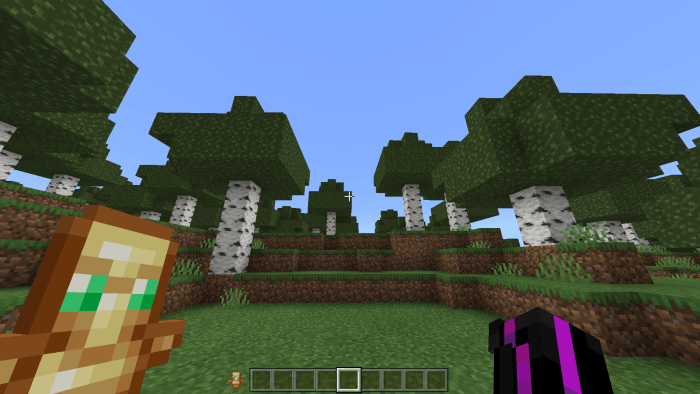
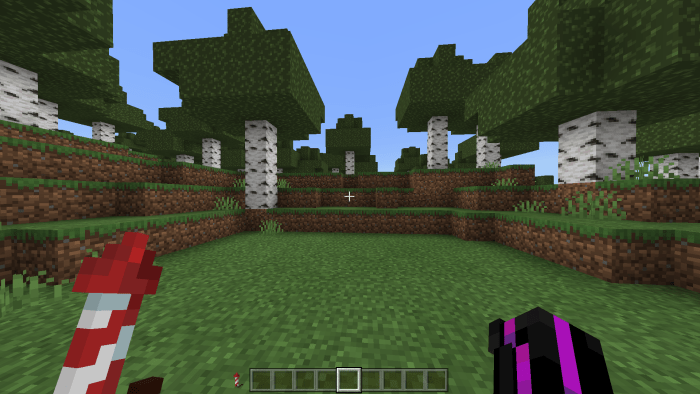
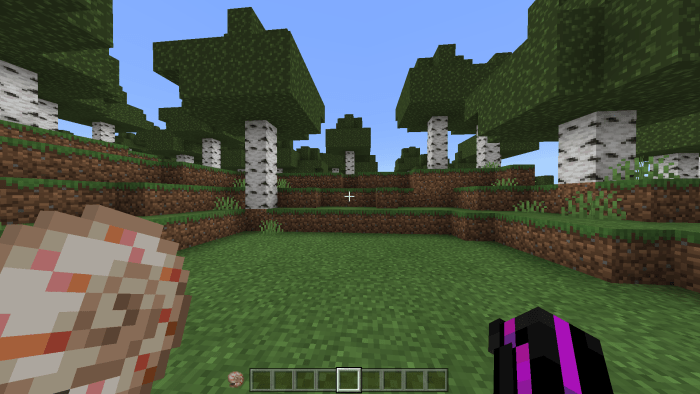
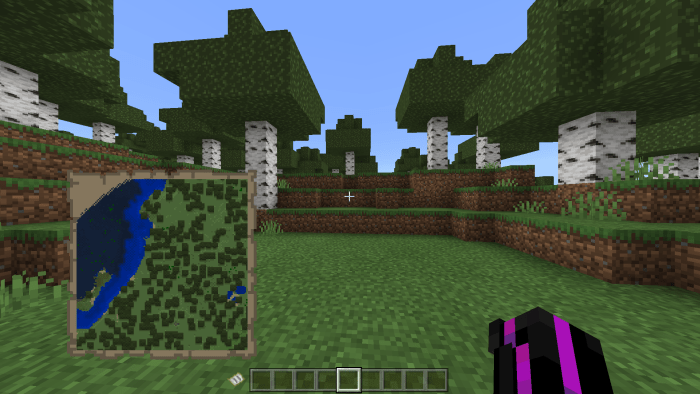
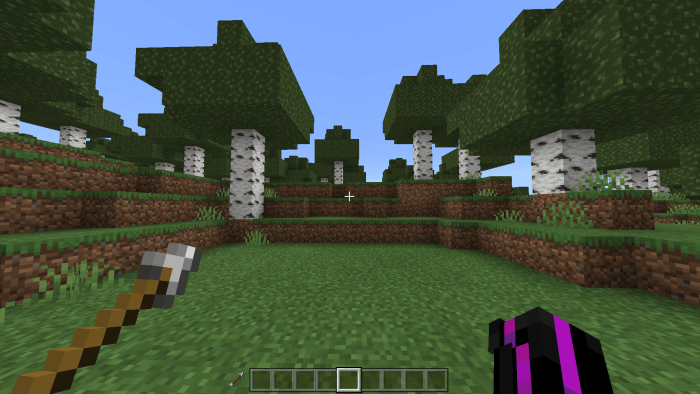
Have you ever wanted Offhand Slots like Java Edition, “The Offhand slot next to your hotbar” If so this is the pack for you!! Similar to java the Offhand slot will Show you whats in your offhand without opening your inventory.
Shields will Appear 2D and will get slightly bigger when you Block with it
All other items will stick to there normal size and lie next to your hotbar very similar to java Offhand slot
Offhand Slots Will work with all Offhand compatible items suck as:
Have you ever wanted to see your FPS? if so this pack is for you! with the ability to see your fps all the time without other programs or applications.
NOTE: The FPS Counter is a Bit inaccurate when your FPS is low this will be fixed in future versions
DEMO: https://www.youtube.com/embed/3RDWPlSY5Dg
When you have over 120 FPS The FPS Counter will turn Green The FPS Counter wont go over 120 FPS
When you have below 10 FPS it will turn red The FPS Counter wont go under 10 FPS
This Pack works for IOS, Android, Windows, and Xbox, The FPS Counter Will be Capped at your Screens Refresh Rate or Hz, Meaning if your Screen Can only Render 60 Frames and the FPS Counter will say 60 If your performance is high
It counts numbers by 5s up to 60 then counts by 10s
Don’t steal this pack, this was made 95% by hand and none of the code here should be stolen, copied or looked though. This pack has Code that is easily identifiable
How Is It Installed?
Download the file from the bottom. After you have downloaded files, tap on each one and it will automatically take you to your Minecraft, it will import the file into your game.
Then go to the world where you are going to use the downloaded addon: Edit the world> resource packs> (Activate the resource pack) and finally: Edit the world> behavior packs> (Activate the behavior pack)
Have you ever wanted your chat to look more animated or just fancier?well this pack has you covered! Adding 4 different types of Chat Animations to make your chat look fancier and more animated!
Chat Animations add Animations to your chat to make it more Animated and Lively
All Subpacks Have a unique animation that moves from the left to the right and right to left after some time
Bounce:
Smooth:
Linear:
Push:
Don’t steal this pack, this was made 95% by hand and none of the code here should be stolen, copied or looked though. This pack has Code that is easily identifiable
Have you every wanted top see your coordinates on a server, a realm or just wanted a vertical coordinates design?
Well this pack has you covered!
It lets you know your XYZ values without needing the position toggle enabled.
Force Coords is a hud extention that will Tell you your XYZ coordinates without needing the position toggle enabled in world settings.
Example:
Force Coords Has 2 subpacks!
Top right:
and
Hotbar:
Force Coords is compatible with my FPS Counter will change positions depending on the subpack you choose:
Top right:
Hotbar:
Don’t steal this pack, this was made 95% by hand and none of the code here should be stolen, copied or looked though. This pack has Code that is easily identifiable
DO NOT Repost this to and websites or apps THIS WAS MADE FOR MCPEDL only


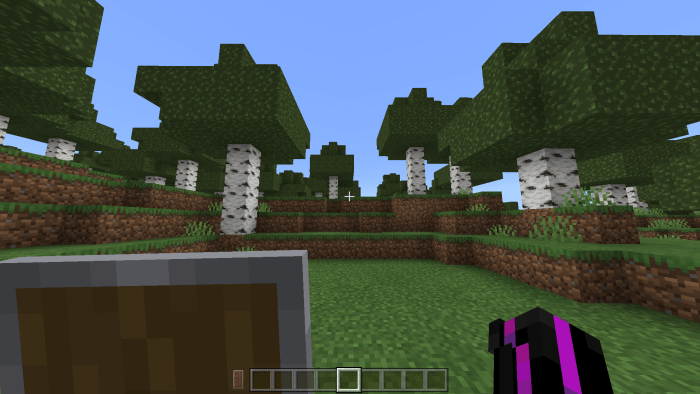
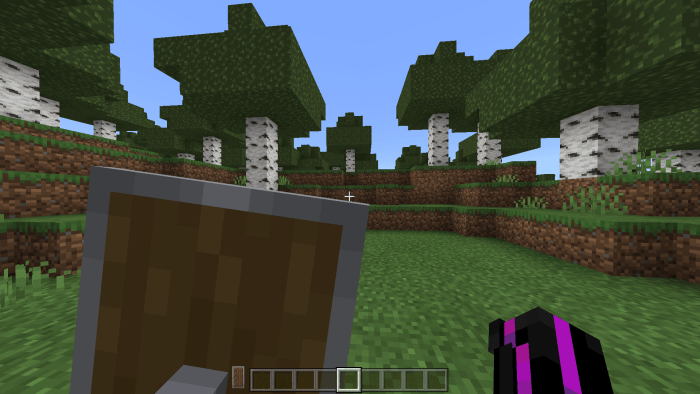 Shields will Appear 2D and will get slightly bigger when you Block with it