
• Lasts Posts
  • Addons
    • All Addons
    • 1.21
    • 1.20
    • 1.19
    • 1.18
    • 1.17
    • 1.16
  • Textures
    • All Textures
    • Improve your game
    • x16
    • x32
    • x64
    • x128
  • Shaders
    • All Shaders
    • Low
    • Medium
    • High
  • Seeds
  • Maps
  • Lasts Posts
  • Addons
    • All Addons
    • 1.21
    • 1.20
    • 1.19
    • 1.18
    • 1.17
    • 1.16
  • Textures
    • All Textures
    • Improve your game
    • x16
    • x32
    • x64
    • x128
  • Shaders
    • All Shaders
    • Low
    • Medium
    • High
  • Seeds
  • Maps

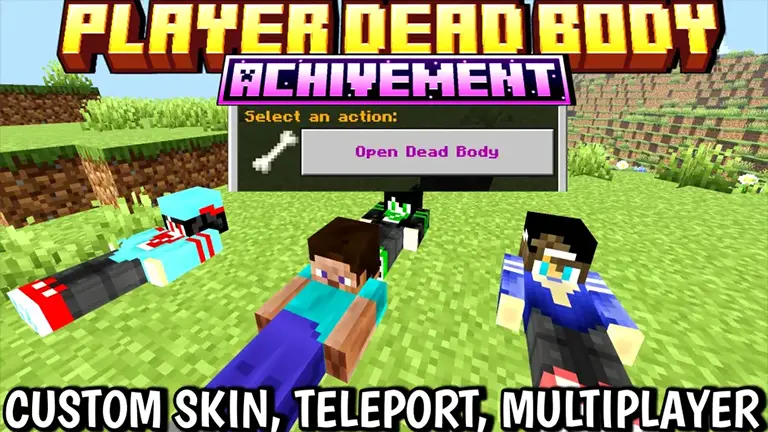
Player Dead Body

Jan 9, 2026

Showcase & Custom Skin Tutorial Video

Free To Use — Credit Appreciated

  • Hit your body, and a simple UI menu opens — tap “Grave Open” and all your items drop back instantly.
  • You’ll receive your death coordinates as feedback, making it easy to find your body.
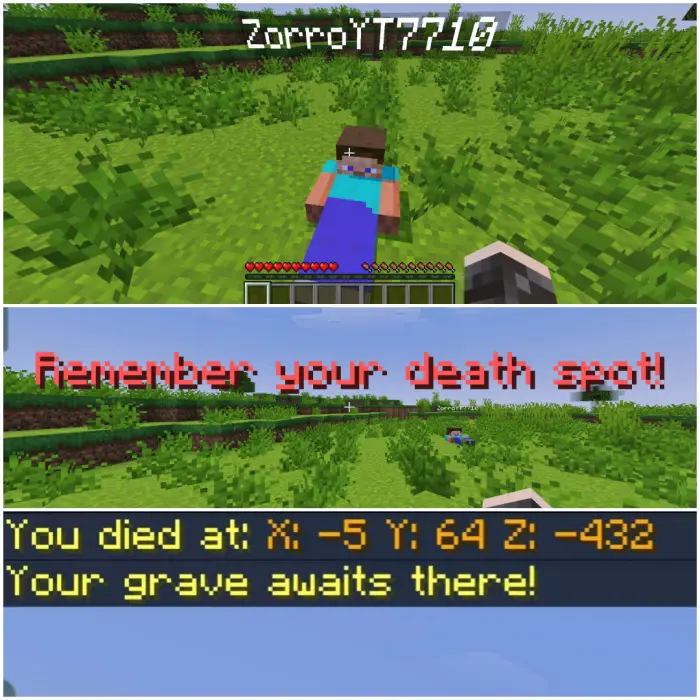
Dead player body with grave coordinates shown.

Custom Skin Support

Custom skin guide

You can even make your dead body look like you! Just follow these steps:

  1. Remove the “.mcaddon” extension or rename the file to “.zip” and extract it.
  2. Open the extracted folder and navigate to: rp > textures > entity > custombody.
  3. Delete the original skin files inside custombody, then paste your custom skins into that folder.
  4. Rename your custom skin files to match the previous naming scheme (for example: 1.png, 2.png … 8.png).

Download links

DOWNLOAD


Explorer’s World Map & Minimap

Explorer’s World Map & Minimap

A site dedicated to providing new and
updated Minecraft mods to enhance
your gameplay.

  • Follow
  • Follow

Quick links



Addons



Textures



Shaders



Seeds



Maps

Join Us

Subscribe to receive the latest Minecraft mods updates right to your inbox!

© 2026 Universe Bedrock. Al rights reserved.

We are using cookies to give you the best experience on our website.

You can find out more about which cookies we are using or switch them off in .

Powered by  GDPR Cookie Compliance
Privacy Overview

This website uses cookies so that we can provide you with the best user experience possible. Cookie information is stored in your browser and performs functions such as recognising you when you return to our website and helping our team to understand which sections of the website you find most interesting and useful.

Strictly Necessary Cookies

Strictly Necessary Cookie should be enabled at all times so that we can save your preferences for cookie settings.